Images
Included on every plan
Add ChatGPT for images
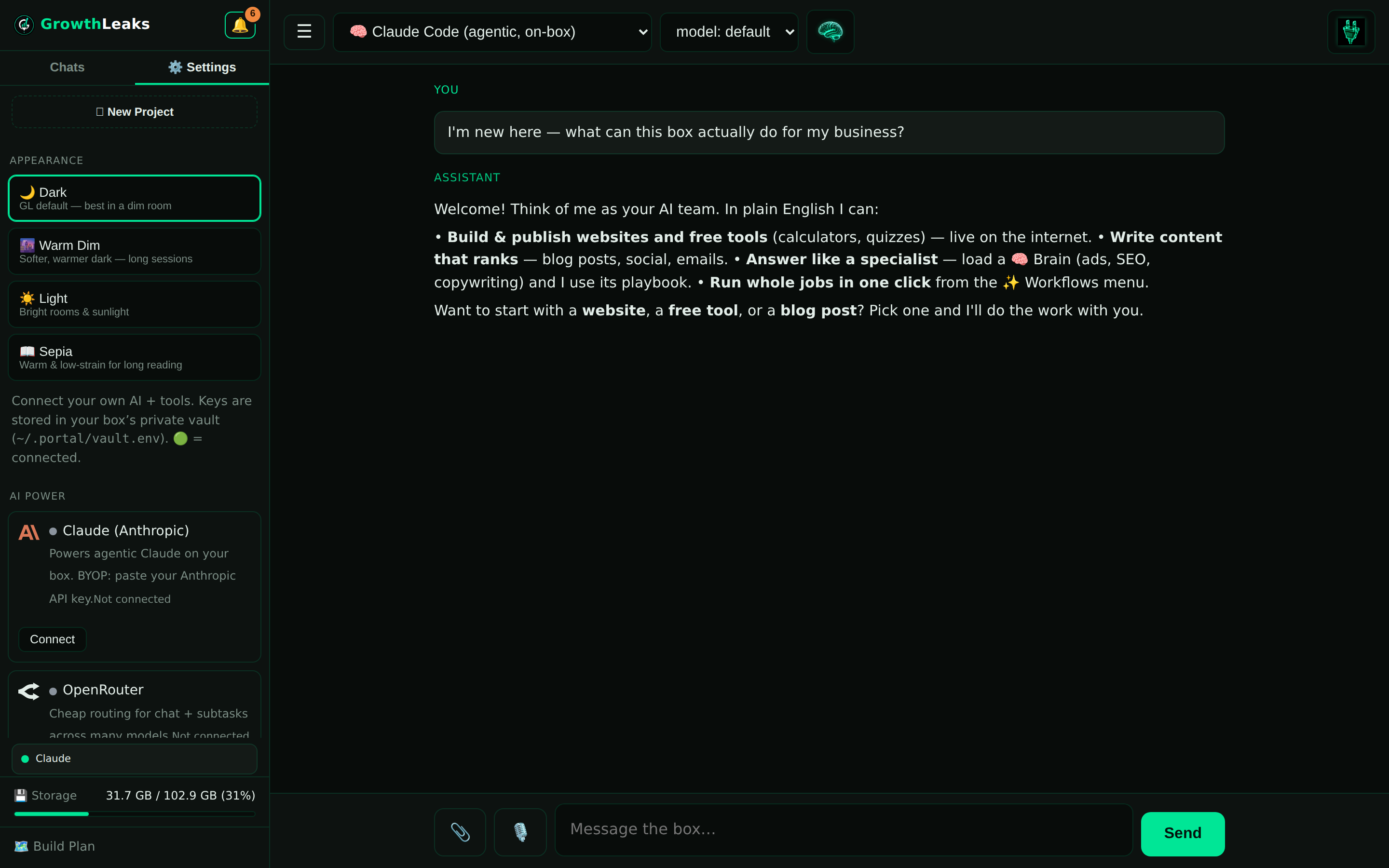
Connect ChatGPT (OpenAI) to your box and it can generate real, on-brand images for you — website hero art, social posts, product mockups. Describe what you want, even hand it a reference photo, and get a picture back in seconds.
🎨 What this unlocks: your box can now make images, not just words. Website headers, social graphics, ad creative, blog thumbnails — generated from a sentence, matched to your brand, ready to publish. No stock-photo hunt, no designer wait.
Why connect it
🖼️ Website images
Hero art and section images that fit your site's look — instead of generic stock everyone else uses.
📱 Social posts
Scroll-stopping graphics for Instagram, Facebook and more, on demand — batch a week in minutes.
📎 Upload a reference
Hand it a photo — your logo, a product shot, a style you like — and it works from that, so the result matches your brand instead of guessing.
⚡ Baked into workflows
When image-making lives inside a workflow (blog → hero, product → ad set), your box makes the picture as part of the job — huge time and money savings.
The savings — why this matters
A single custom graphic from a freelancer is often $25–$150 and a day or two of back-and-forth. Stock libraries run $10–$30 an image and still look generic. Here, an image costs pennies and lands in seconds. Wire it into a workflow — say, "write the blog and make the hero image" — and your box does the whole job in one pass. That's the real win: not one cheaper image, but your content and its visuals produced together, at scale, for almost nothing.
Connect it — 3 steps
You'll add an OpenAI key once. That's the same account behind ChatGPT — it's what lets your box generate images on your behalf.
Make your first image
🤖 Copy-paste to start
Ask for a website hero image:
Make me a hero image for my website. My business is [NAME], we do [WHAT]. Style: clean, modern, [your colors]. Wide format for a website header. Show me the image and save it so I can download it.
Or work from a reference you upload:
Here's my logo / a photo I like [attach it in the chat]. Make three social-post graphics in this same style for [topic]. Square format for Instagram.
How you'll know it worked
You ask for an image and an actual picture comes back in the chat, ready to download. If it says images aren't enabled, add a few dollars of billing credit to your OpenAI account and try again.
Common questions
Is this the same as my ChatGPT subscription?
It's the same company (OpenAI), but image generation on your box runs through an API key from platform.openai.com, billed by usage — usually just pennies per image. Your ChatGPT Plus subscription is separate; the key is what your box uses.
Can it really use a photo I give it?
Yes. Attach a reference image in the chat — your logo, a product shot, a style you like — and ask it to work from that. You get results that match your brand instead of random stock.
What does it cost?
Typically a few cents per image, billed straight to your OpenAI account. Add a small credit (e.g. $5–$10) to start; that goes a long way.
Can I put these images right on my site or posts?
Yes — download and use them, or ask your box to drop the image straight into the website or social post it's building for you.
💬 Want us to set it up with you?
Happy to hop on and get your ChatGPT images connected and generating in a few minutes.
Email support →
 GrowthLeaks · Portal Help